// PLAY M8 GAMING — SETUP GUIDE
SET UP YOUR GAMING ROOM — COMPLETE GUIDE IN 6 STEPS
Everything you need to know about gaming room setup — from choosing a corner gaming desk to RGB lighting, ergonomics and cable management.
Everything you need to know about gaming room setup — from choosing a corner gaming desk to RGB lighting, ergonomics and cable management.
A great gaming room is not just about throwing a desk into a corner. It is about creating the right framework — an interior that optimises comfort, performance and experience.
The most important elements are: a good gaming desk (preferably an L-shaped corner desk), an ergonomic gaming chair, correct screen placement, considered RGB lighting and proper cable management.
Measure your room and note the position of windows, doors and power sockets. Draw a simple sketch.
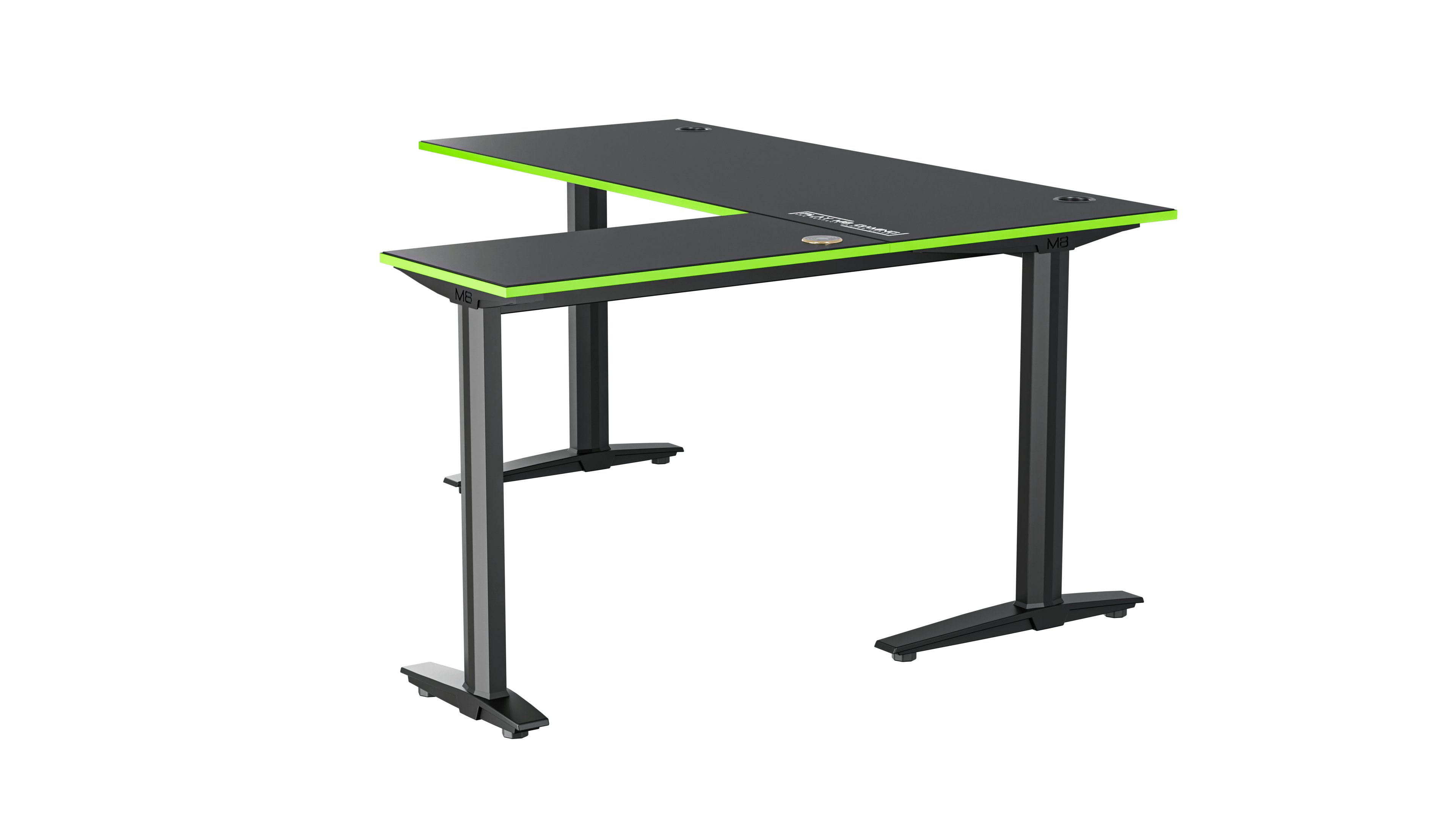
Find the natural corner for your L-shaped corner gaming desk. A corner desk placed in a real corner frees up maximum floor space and creates the best cockpit feeling.
Even an 8–9 m² room can be set up as a fantastic gaming room with a compact corner gaming desk. It is all about placement — not room size.
Single monitor: standard (min. 120x60 cm). Dual/triple monitor or streaming: L-shaped corner gaming desk is a must.
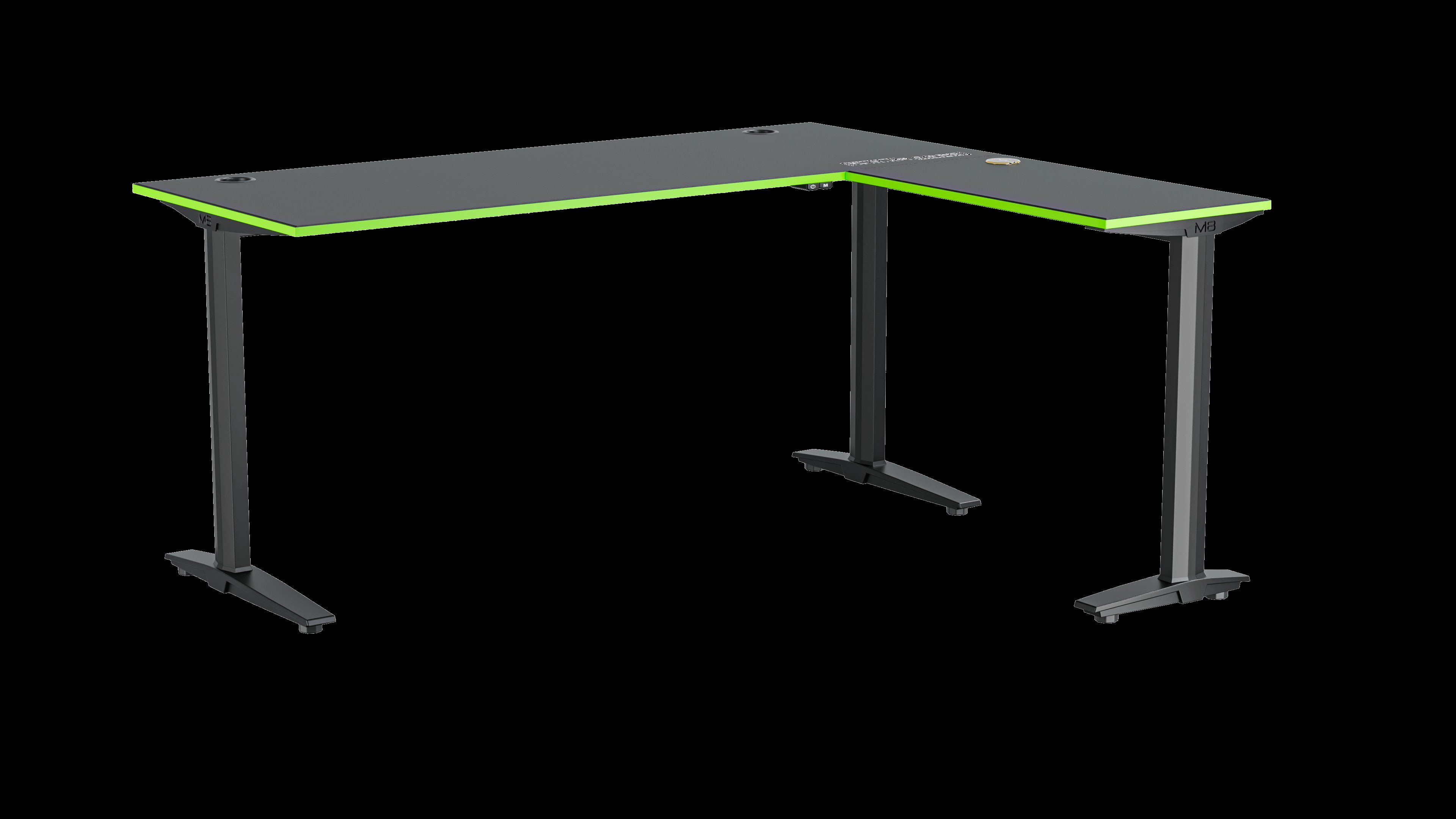
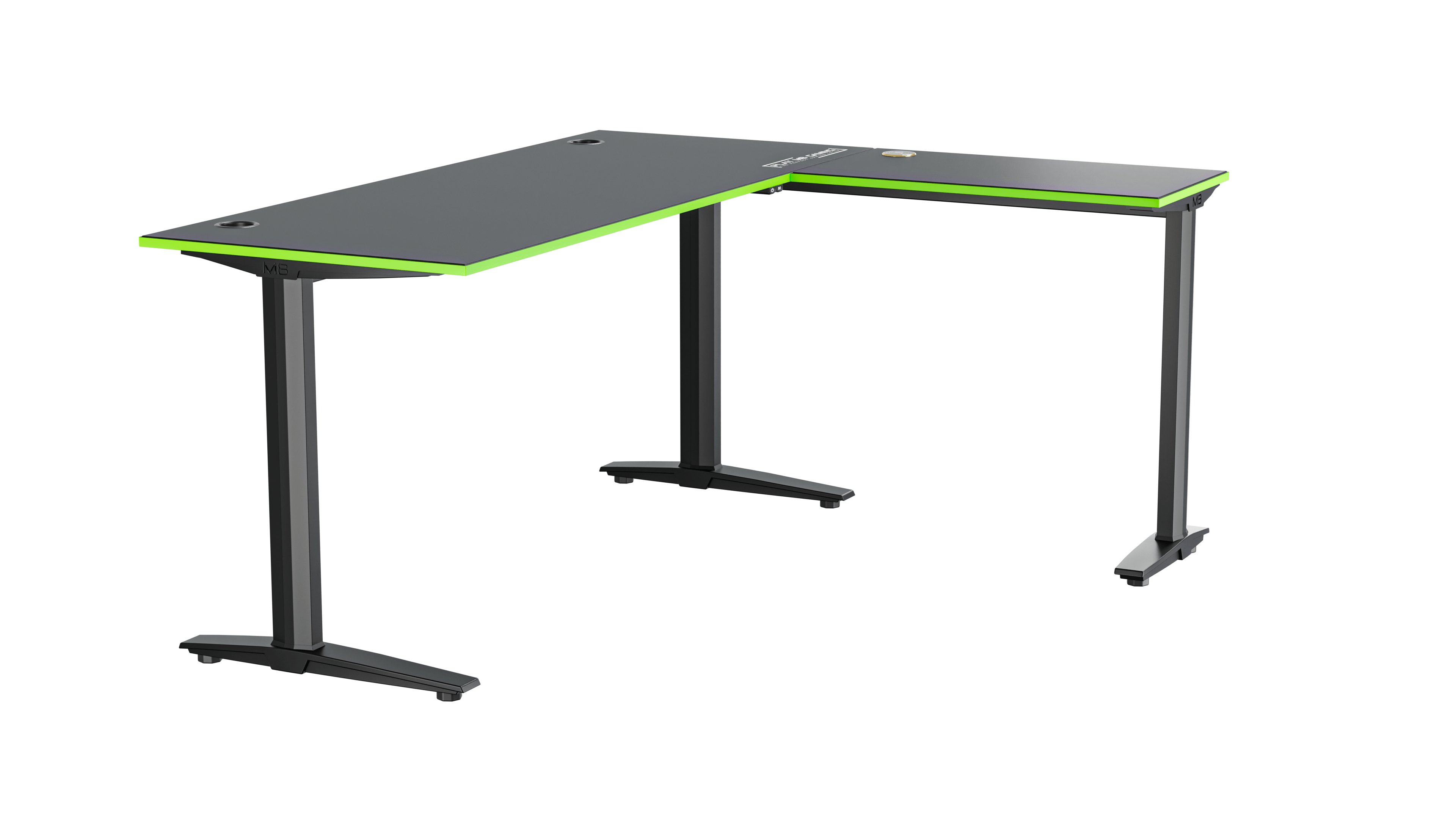
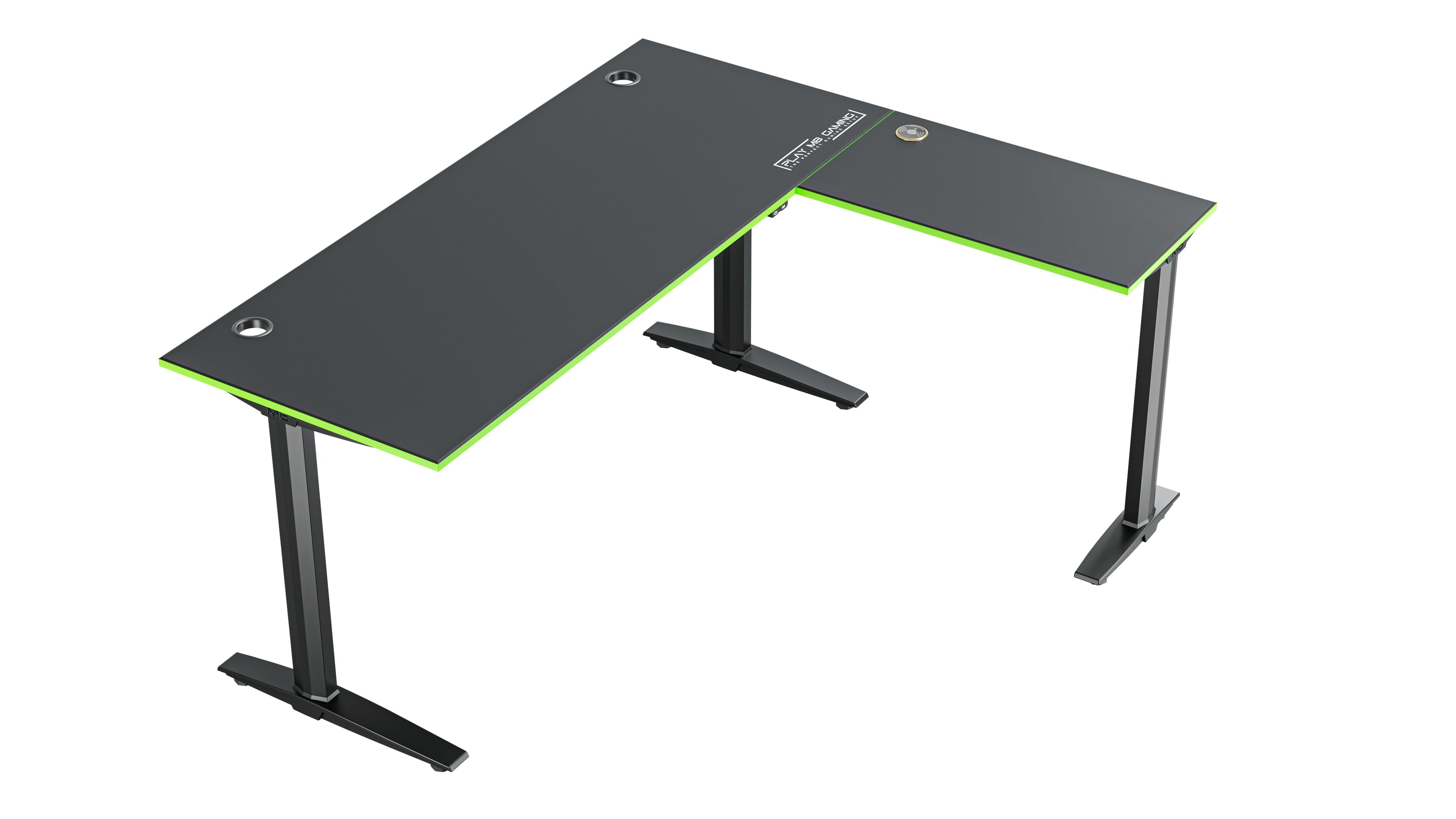
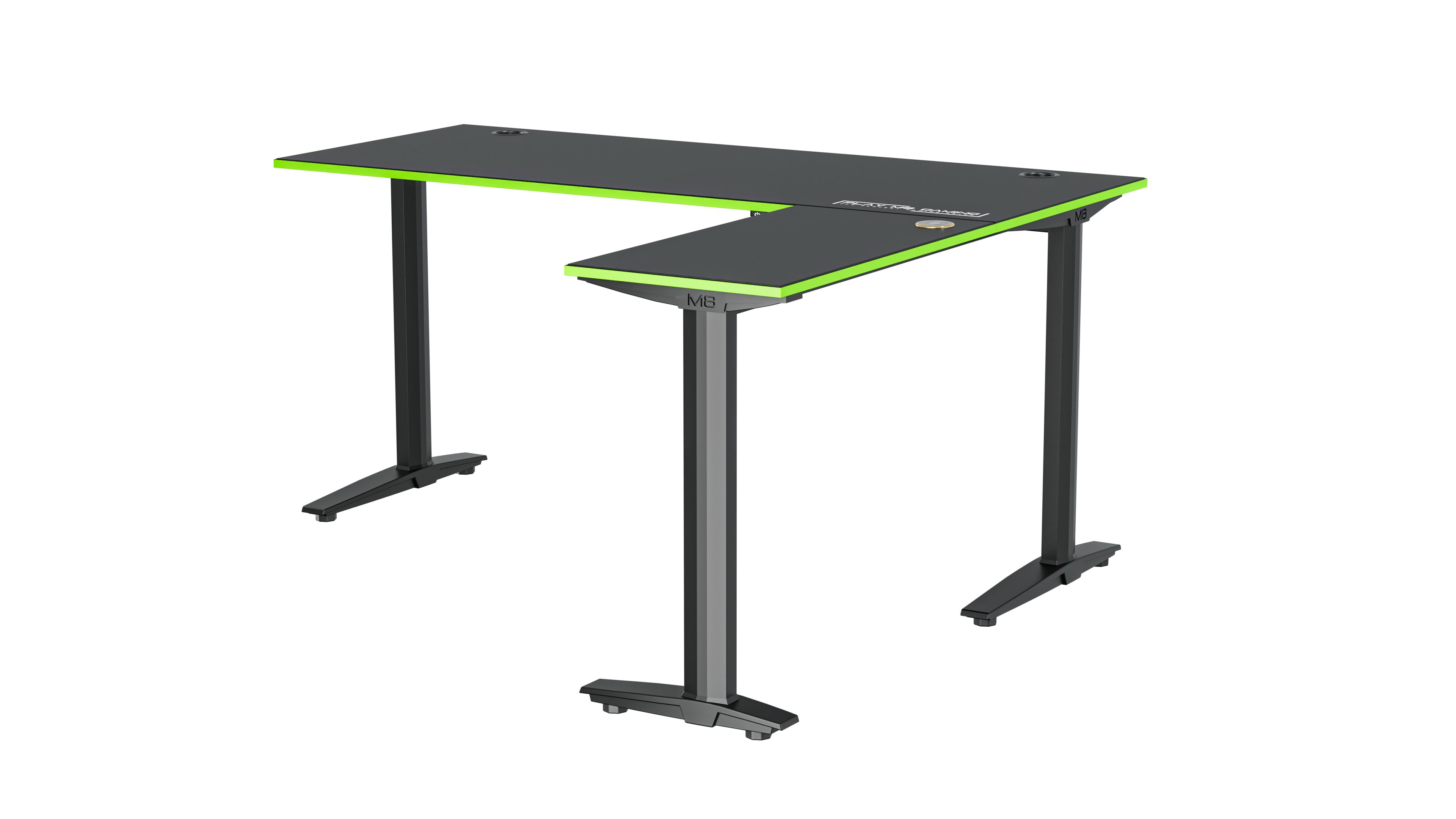
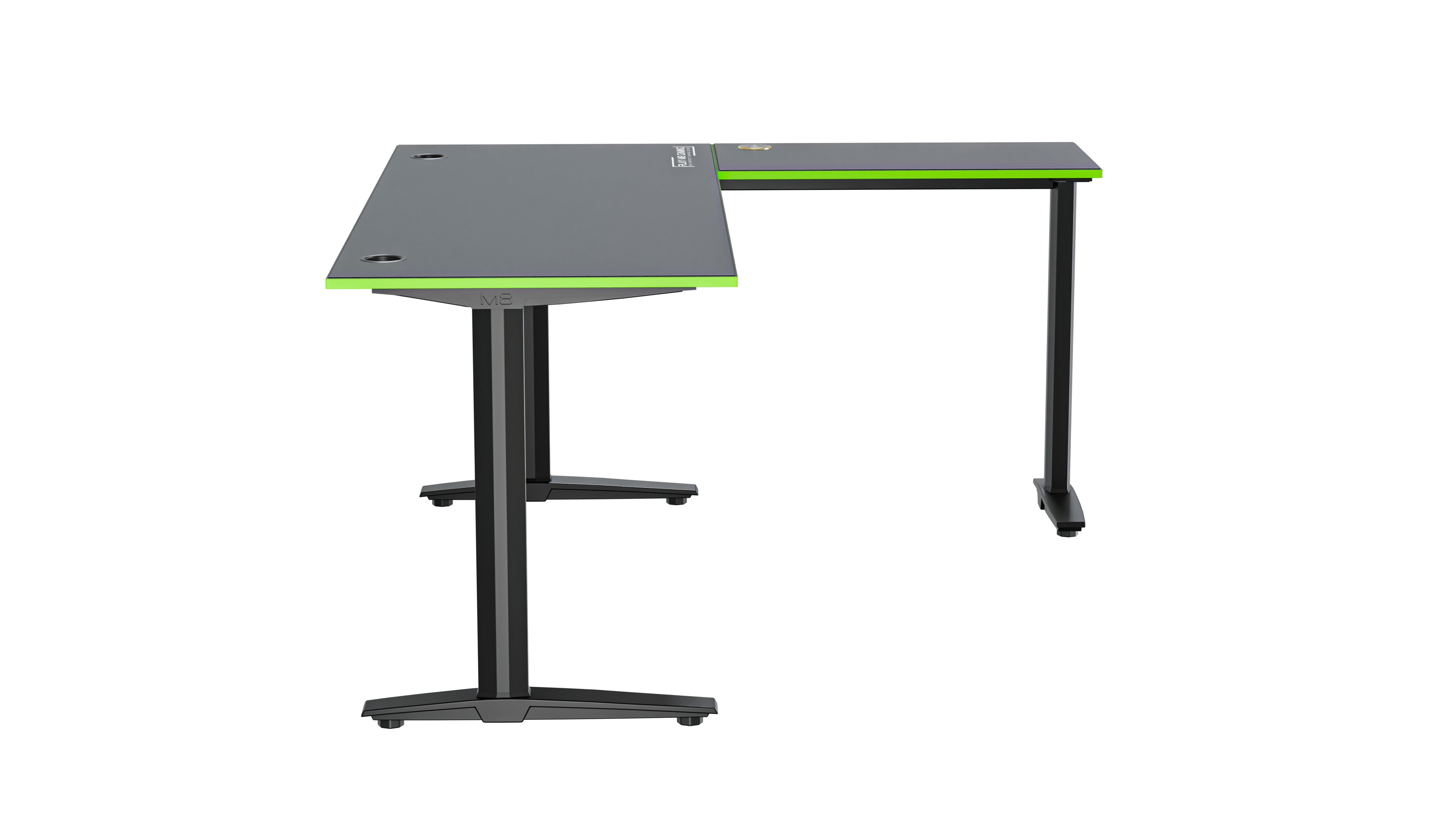
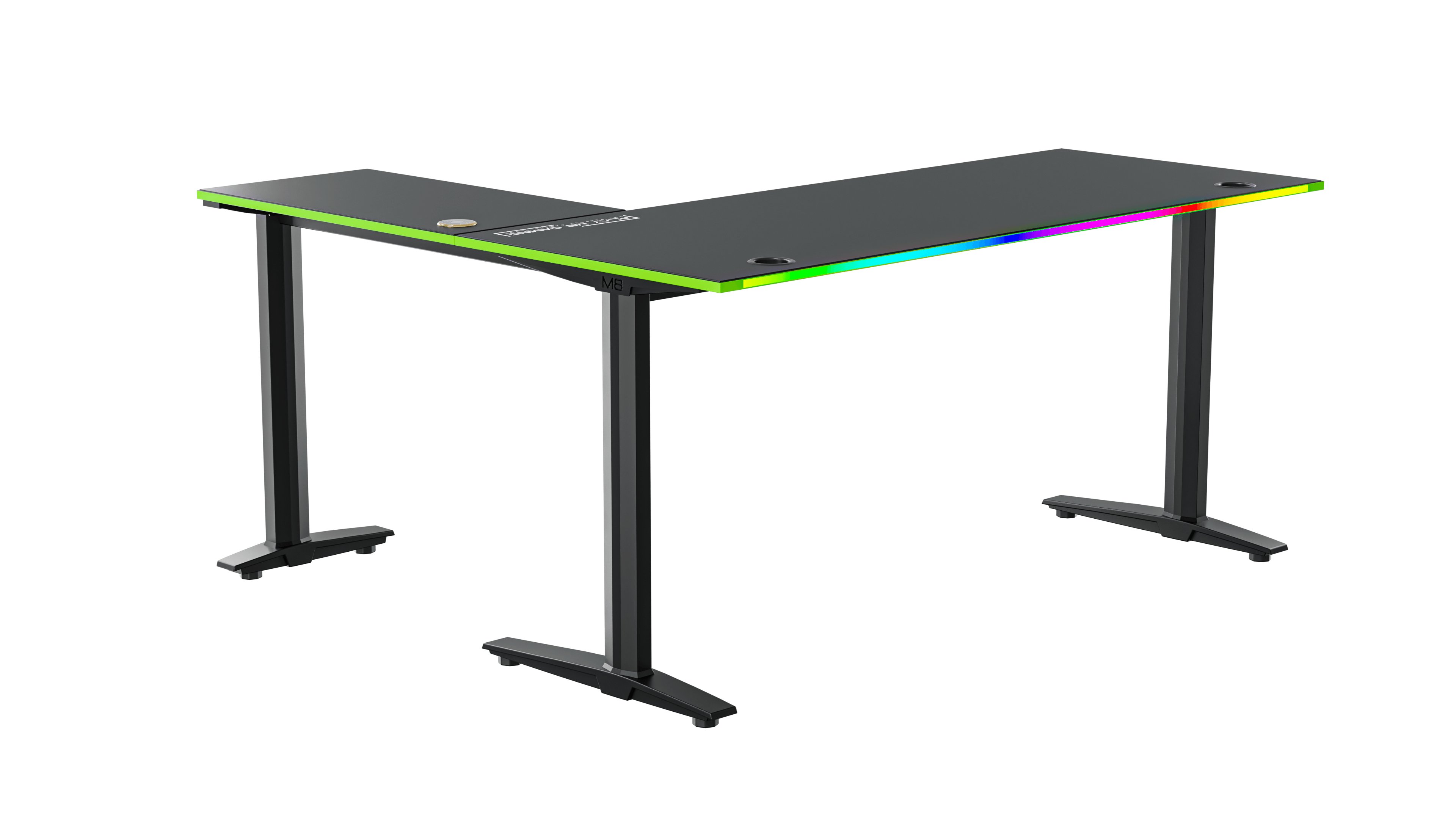
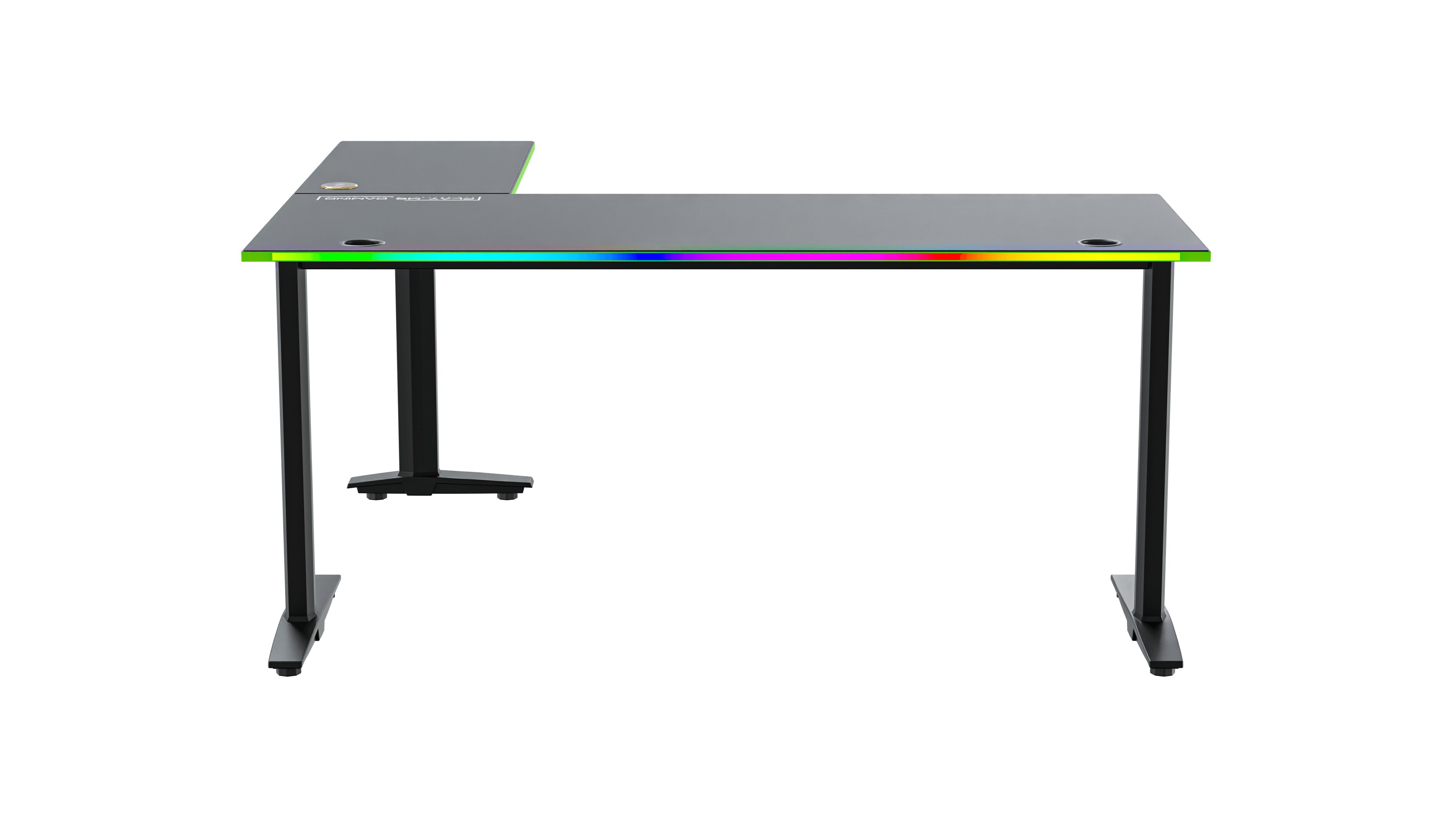
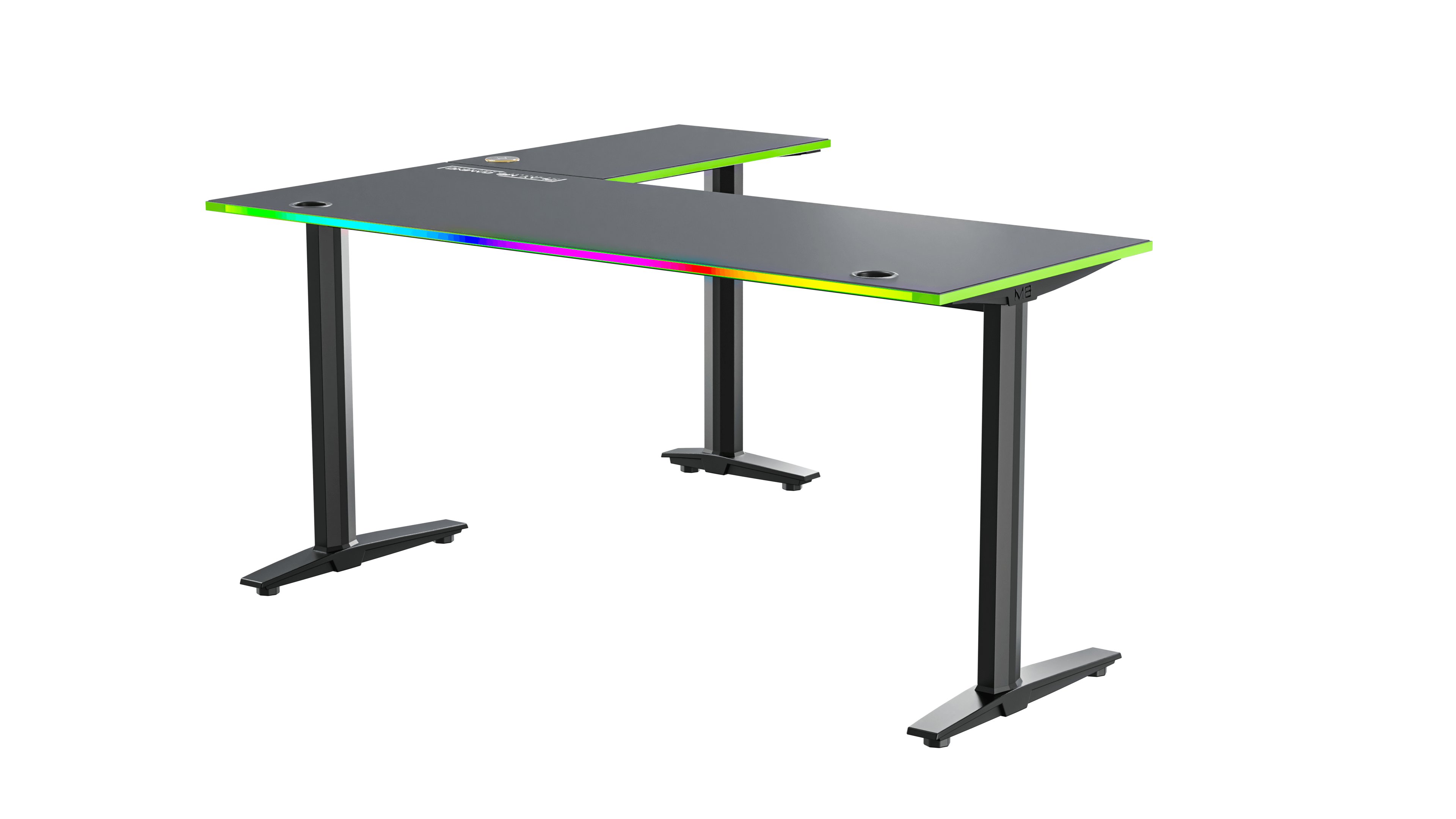
Play M8 Edge V2: 140x65 cm main surface + 75x40 cm corner. Optimal size for a complete gaming setup.
Cable holes, wireless charger, USB ports in the desk, RGB lighting and a solid steel frame with high load capacity.
A good gaming chair is just as important as the desk. You may sit 4–8 hours a day in front of your screen.
Lighting is not just aesthetics — it directly affects your experience and your eyes.
Start with the desk. All Play M8 desks have integrated RGB edges.
LED strip behind the screen towards the wall. Reduces eye strain and looks professional.
LED strips under the desk or along the ceiling. Keep it subtle.
The Play M8 Edge V2 comes with an RGB kit for the back of the desk — a beautiful glow against the wall.
Cables are a gaming room's biggest aesthetic enemy. The solution:
The details lift a gaming room from "good" to "unforgettable".
Consistency is key. A consistent colour theme makes even a budget setup look professional.
Use cable holes in the desk surface (all Play M8 desks include these), mount a cable tray under the desk, bundle cables with Velcro straps, and use raceways along the desk legs. The Play M8 Edge V2 with built-in wireless charging and USB-C eliminates many cables from the start.
Use RGB in layers: integrated RGB on the desk edge, bias lighting behind your monitor, and subtle LED strips under the desk or along the ceiling. The Play M8 Edge V2 includes an RGB back-kit for a beautiful wall glow effect.
Ergonomics is crucial. Poor setup leads to neck pain, back problems and reduced performance. Screen at eye level, feet flat on the floor, elbows at 90 degrees, and a chair with adjustable lumbar support — these four points cover the basics.
For a dedicated gaming room with multiple monitors, always choose an L-shaped corner gaming desk. It gives 40–60% more desk space, creates a cockpit feeling, and makes better use of the room's corners. Standard desks are fine for single-monitor casual setups.